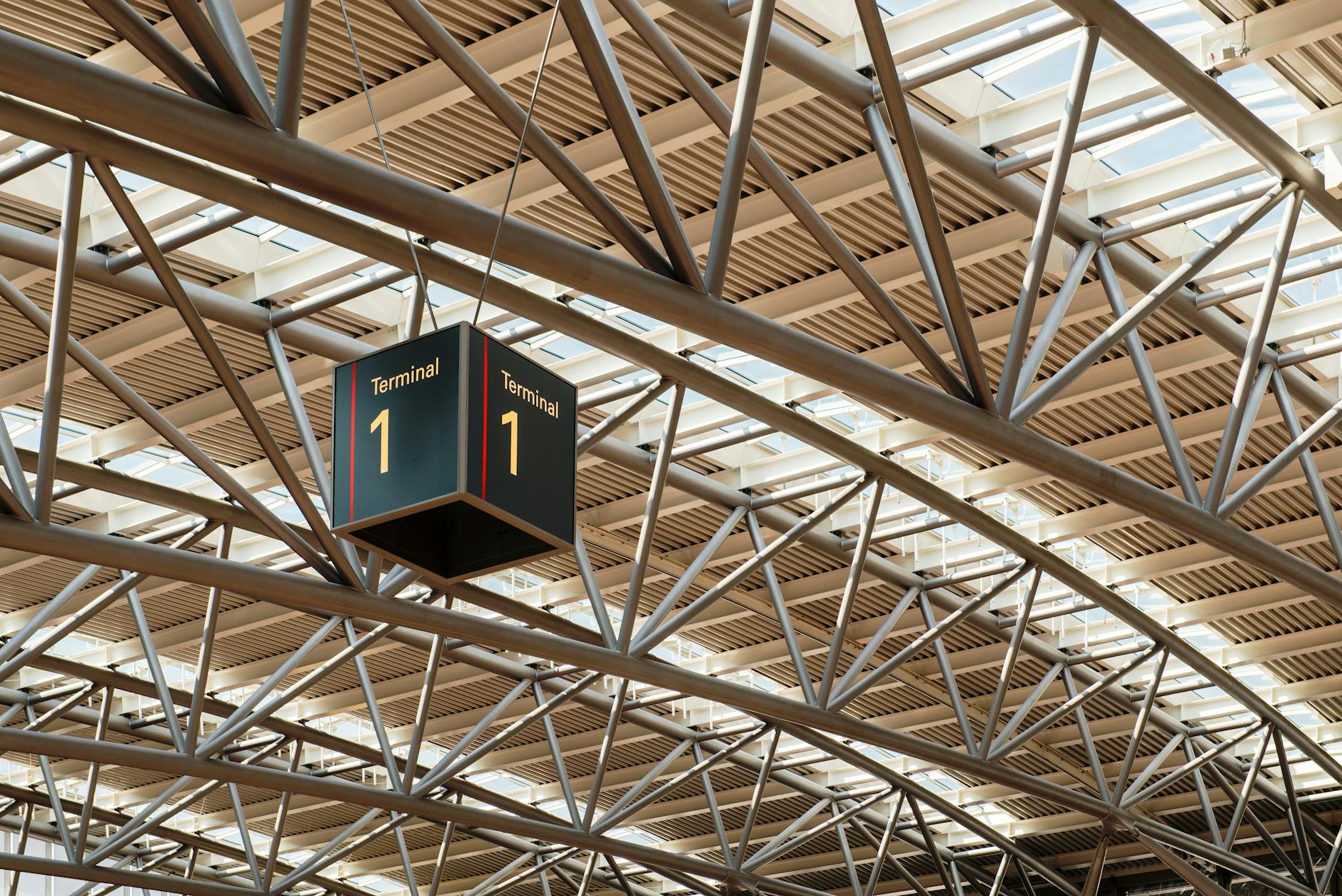
Every SIM kiosk between the arrivals gate and the taxi rank at Soekarno-Hatta will sell you 15GB for a number that looks reasonable until you check what the same package costs three kilometres down the road. Getting a sim card jakarta arrivals hall staff will happily sell you is never the problem — figuring out whether you’re paying a fair convenience premium or getting fleeced is the actual task, and the honest answer depends on how tired you are and how much you value not thinking about connectivity for the first hour of the trip.
This sits inside our broader Jakarta travel tips pillar, alongside the practical groundwork every visitor ends up doing before the fun stuff starts — sorting out currency exchange, working out a realistic daily budget, and figuring out whether Grab or Gojek is the better app for getting around (a decision that, incidentally, only matters once your phone has data). Consider this the dedicated answer to the one question that underpins almost everything else: how do you actually get connected, and which option is worth your money.
SIM Card Jakarta: Why You Need Indonesian Data, Not Just Wi-Fi
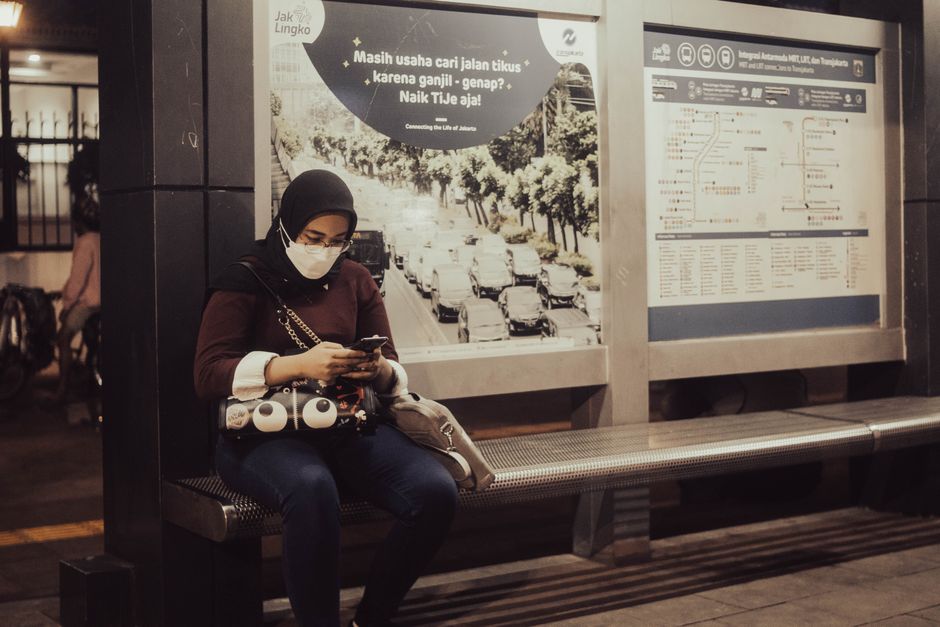
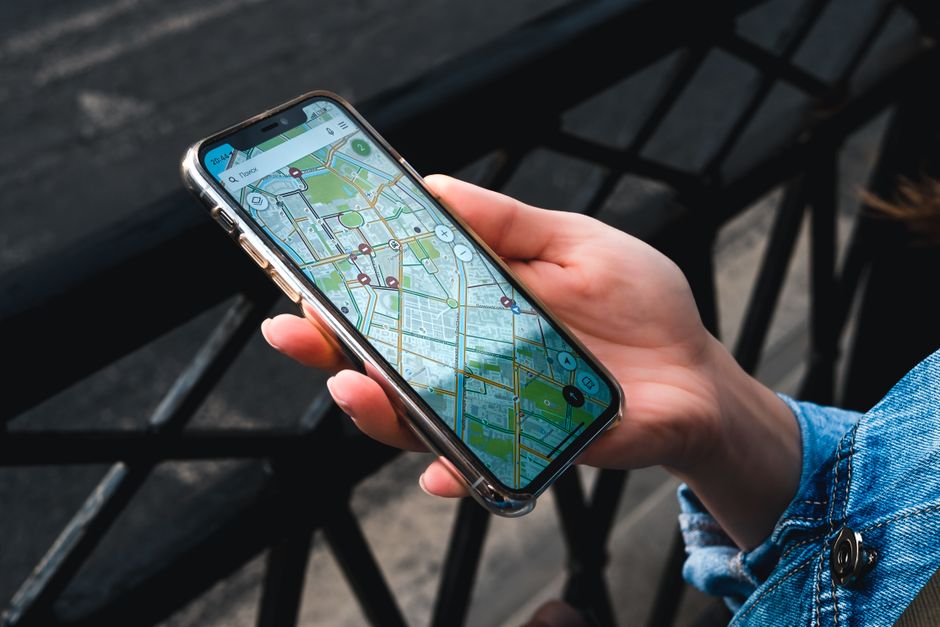
Hotel Wi-Fi in Jakarta is generally fine. Café Wi-Fi is patchy and half the places worth eating at don’t bother offering it. The real issue is everything that happens between those two points: hailing a Gojek from the street, pulling up Google Maps when your driver takes a wrong turn down a gang (alley) that doesn’t appear on paper maps, translating a menu, or checking a mall’s opening hours before you get there. Jakarta’s traffic makes spontaneous plan changes a near-daily requirement, and every one of those changes needs data. Relying on scattered Wi-Fi means you’re offline exactly when you need to be online — mid-journey, in a taxi, standing outside a shuttered restaurant working out where to go instead.
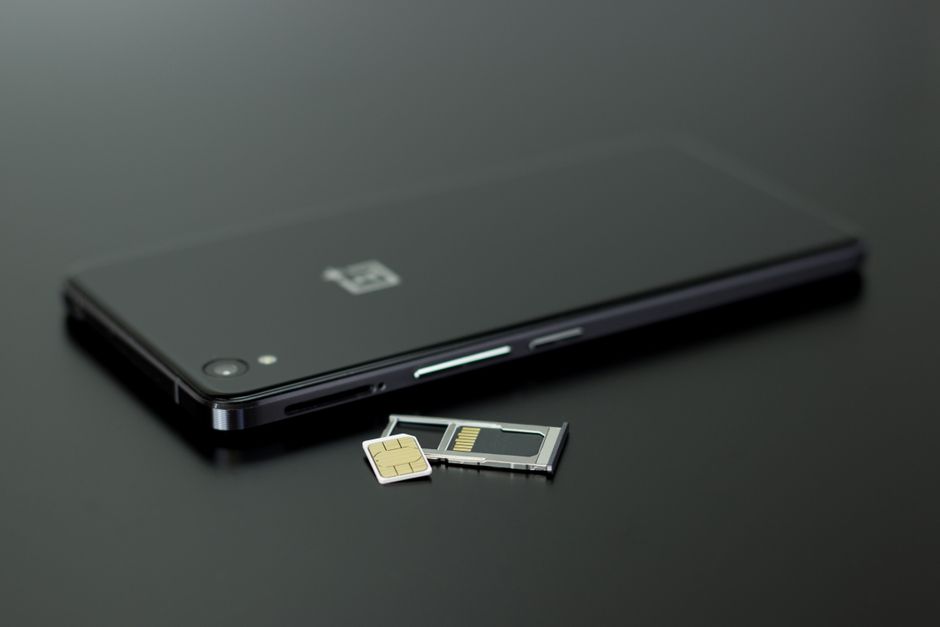
There’s also a practical registration reason to sort this out early rather than winging it: Indonesian law requires prepaid SIMs to be registered against an identity document, and for foreigners that’s your passport. Buying a SIM isn’t a five-second tap-and-go transaction here — it takes a few minutes of registration regardless of where you buy it, so it’s worth doing once, properly, rather than fumbling with it every few days.
Physical SIM or eSIM: the real trade-off
The honest version of this decision has nothing to do with which is “better” in the abstract — it’s about what your phone supports and how much friction you’re willing to tolerate. If your phone is unlocked and eSIM-capable (most iPhones since the XS, most Pixels and recent Samsung flagships), an eSIM bought online before you fly means you land with data already working, no queue, no passport-waving at a kiosk. If your phone only takes a physical SIM, or you want the absolute best coverage and lowest per-gigabyte price once you’re on the ground, a local physical SIM from Telkomsel, XL, or Indosat wins on raw value every time.
The middle-ground mistake people make is assuming eSIMs and physical SIMs deliver the same network experience. They don’t, because most eSIM providers aimed at tourists (Airalo, Holafly, and similar) resell capacity on one of the local networks — usually Telkomsel or XL’s infrastructure — rather than operating their own towers. You’re paying a markup for the convenience of pre-activation, not for superior coverage. That’s a fair trade for a lot of travellers. It’s a bad trade if you’re heading out to the Thousand Islands or up into the hills around Puncak, where you want the strongest possible signal and every rupiah of data matters.
The four carriers, compared honestly
Indonesia’s mobile market has consolidated somewhat — XL Axiata and Smartfren merged into XLSMART in 2025 — but the practical distinctions tourists care about (coverage, price, and whether the data package actually matches what you’ll use) haven’t changed much. Here’s how they stack up for someone landing in Jakarta and possibly heading out to Bandung, Bogor, or the coast for a day trip.
| Carrier | Coverage | Typical tourist price | Best for |
|---|---|---|---|
| Telkomsel (simPATI / Kartu As) | Best in the country, including rural Java and the outer islands | ~IDR 150,000 for 25GB / 30 days | Anyone leaving Jakarta for day trips or staying more than a week |
| Indosat Ooredoo Hutchison (IM3) | Strong in cities and most of Java, thinner outside it | ~IDR 100,000 for 30GB / 30 days | Budget travellers staying mostly in Jakarta and nearby cities |
| XL Axiata (now XLSMART) | Good urban coverage, large data allowances, quota sometimes split across categories | Competitive, often bundled in big-GB packs | Heavy data users who mainly stay within the city |
| Smartfren | Noticeably weaker outside major urban centres | Cheapest on paper | Short city-only stays where price matters more than reliability |
If you want one answer and don’t care about the nuance: Telkomsel is the carrier most experienced travellers in Indonesia default to, and for good reason. It costs a bit more than IM3 or XL, but it’s the only network with genuinely reliable coverage the moment you leave the city — useful if a day trip out of Jakarta is anywhere on your itinerary. If you’re certain you’re staying within the city limits for a short trip, IM3 or XL will save you money without costing you much in practice.
Airport kiosks: where they’re worth it and where they’re not
Every SIM counter at Soekarno-Hatta — and there are several, spread across the terminals — sells the same basic product at a premium over what you’d pay in the city. Telkomsel’s tourist packs at the airport run anywhere from roughly IDR 100,000 up to over IDR 1,000,000 depending on which bundle the staff steer you toward, and XL’s airport packages sit in the IDR 150,000–450,000 range. Compare that to a Telkomsel starter pack from an Indomaret in the city, which can run as low as IDR 50,000–75,000 for a smaller but perfectly usable data allowance.
That gap is real, but so is the value of landing after a long-haul flight, clearing immigration, and having working data before you’ve even found the exit. My honest take: if you’re being picked up or taking a pre-booked airport transfer into the city, skip the kiosk and buy from an Indomaret or Alfamart near your hotel instead — it’s a five-minute errand and you’ll save real money. If you’re navigating public transport, hailing your own ride, or need Google Maps working immediately to find your driver in the arrivals chaos, paying the airport premium for one of the smaller starter packs is a legitimate use of an extra 50,000–100,000 rupiah. Don’t buy the biggest bundle at the kiosk regardless — top up later in the city once you know how much data you’re actually burning through.
Buying in the city: minimarkets, phone shops, and official stores
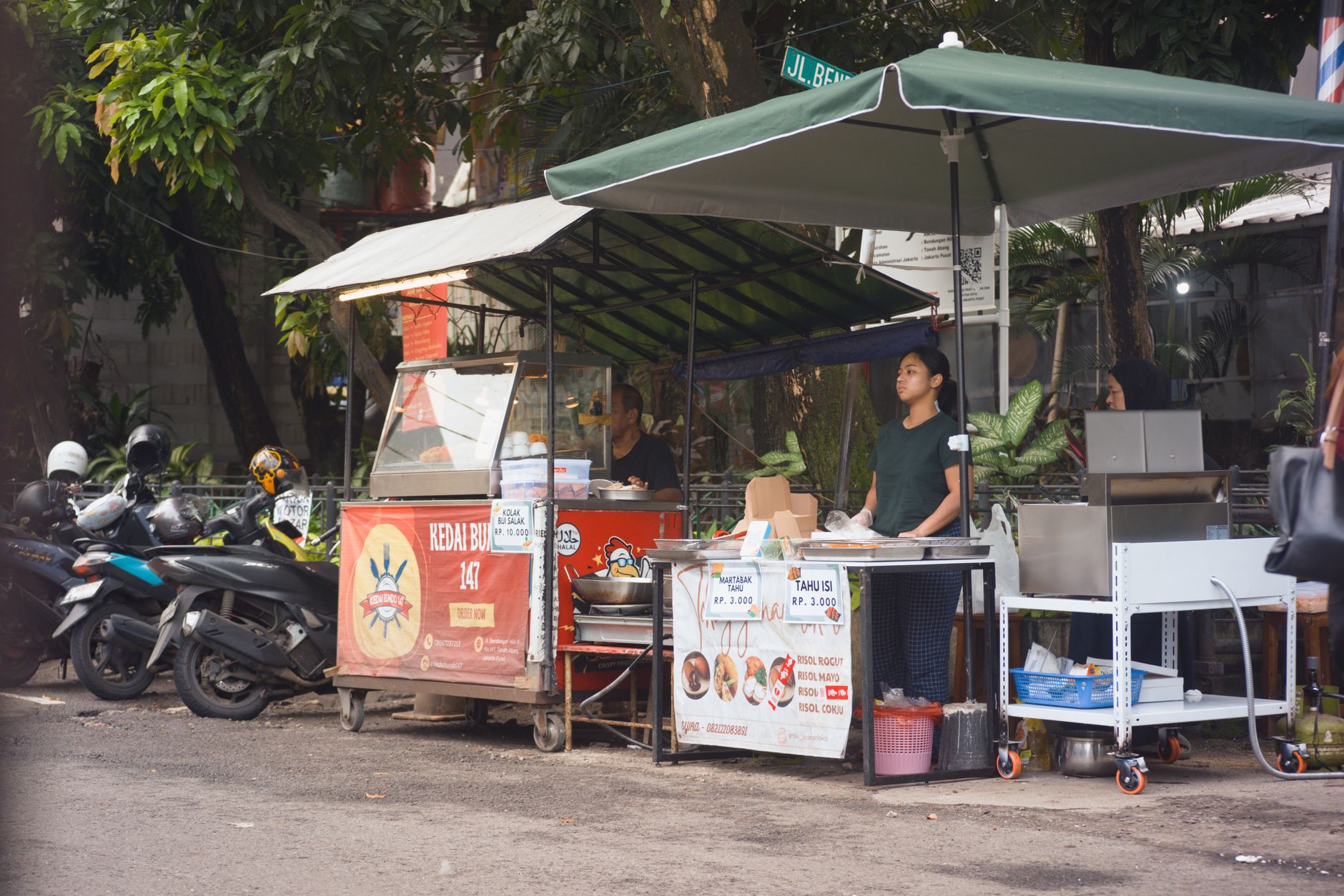
Once you’re past the airport, buying a SIM in Jakarta is straightforward and cheap. Indomaret and Alfamart — the two convenience store chains that seem to occupy every other block in central Jakarta — stock starter packs from Telkomsel, XL, and IM3 on a rack near the till, usually for IDR 5,000–10,000 for the bare card, plus whatever data package you add on top. Staff can usually help with basic registration, though they’re not always fluent in the process for foreign passports, so patience helps.
Dedicated phone shops (often clustered in and around malls like ITC Roxy Mas or Mangga Dua) offer a wider range of packages and staff who are more used to dealing with tourists, sometimes for a small service fee over the sticker price. Official carrier stores — a Telkomsel GraPARI outlet, for instance — are the most reliable option if your registration hits a snag, since they can resolve identity-verification issues on the spot rather than sending you elsewhere. If you’re staying in one of the more central Jakarta neighbourhoods, you’ll have all three options within a short walk of most mid-range hotels.
Registration: the passport requirement isn’t optional
Indonesia tightened SIM registration rules again recently, and the short version for tourists hasn’t changed even as the rules for citizens have gotten stricter: foreign visitors must register a prepaid SIM in person, using a passport, at an authorised store, airport counter, or reseller. There’s no self-service online registration route open to tourists the way there is for Indonesian citizens registering with their national ID number. Bring your physical passport (a photo isn’t reliably accepted), expect the process to take a few minutes, and don’t be surprised if you’re asked to do it again if you buy a second SIM from a different carrier later in the trip. You do not need an Indonesian tax number (NPWP) for a standard prepaid tourist SIM — that requirement is for residents and postpaid or corporate accounts, not short-stay visitors.
Data plan prices: what you should actually expect to pay
For a typical one-to-two-week trip with normal use — maps running most of the day, messaging apps, some video calls home, browsing, the occasional map-heavy ride-hailing session — budget roughly IDR 100,000–200,000 for a 25–30GB package from any of the three main carriers, valid for 30 days. That’s usually more data than you’ll use unless you’re streaming video regularly. If you’re travelling light on data needs, smaller packages in the 15,000–50,000 rupiah range covering 3–10GB for a week are common and perfectly adequate for maps-and-messaging-only use.
Top-ups are simple: walk into any Indomaret, tell the cashier which carrier and how much credit you want (“isi pulsa Telkomsel lima puluh ribu” for fifty thousand rupiah of Telkomsel credit), pay cash, and enter the code you’re given into the carrier’s app. It’s less convenient than an app-based top-up but takes under two minutes once you know the drill, and it’s worth knowing if your data runs low outside a phone shop’s hours.
eSIM options for landing with data already working
If your phone supports eSIM, buying one before you fly removes the single biggest friction point of arriving in a new country: the gap between landing and getting connected. Airalo is the most widely used option, with Indonesia-specific plans starting around $4–5 for a small 1–2GB package and scaling up to $13–35 for 5–20GB bundles valid for longer stays. Holafly takes a different approach, selling unlimited-data plans rather than fixed allowances — pricier per day (up to roughly $76 for 30 days unlimited) but genuinely useful if you plan to hotspot a laptop or stream heavily. Most travellers doing a standard one-to-two-week trip end up paying somewhere between $8 and $17 total for an eSIM that covers the whole visit.
The catch, covered above but worth repeating because it changes people’s expectations: eSIM resellers are running on top of Telkomsel or XL’s network, not operating independently, so don’t expect better coverage than a local SIM on the same carrier — you’re paying for pre-arrival convenience, not for network quality you can’t get locally.
Pocket Wi-Fi: the option most people skip, sometimes wrongly
Pocket Wi-Fi (mobile hotspot) rental is a reasonable middle path if you’re travelling as a group or with a laptop that needs a reliable connection and don’t want to fuss with individual SIMs for everyone. Devices typically run $6–9 per day, cover multiple devices simultaneously, and can be picked up at Soekarno-Hatta on arrival and returned before departure. It’s a worse deal than a SIM for a solo traveller — you’re paying daily-rental pricing for what a IDR 150,000 monthly SIM package covers more cheaply — but for three or four people sharing one device, or anyone who wants a single point of connectivity without juggling separate accounts, it earns its keep.
Comparing the three approaches side by side
| Option | Setup effort | Typical cost (1 week) | Best fit |
|---|---|---|---|
| Local physical SIM | Passport registration, 5-15 min in-store | IDR 100,000-200,000 (~$6-13) | Solo/couple travellers, best value, best coverage outside Jakarta |
| eSIM (Airalo/Holafly) | Buy and activate before departure, near-instant | $8-17 | Anyone wanting connectivity the second they land, city-based trips |
| Pocket Wi-Fi rental | Airport pickup/return, no registration hassle | $40-65 for the week | Groups sharing one device, laptop-heavy trips |
What speeds and coverage actually feel like day to day
Within central Jakarta — Sudirman, Thamrin, Kemang, most of South Jakarta — 4G coverage on any of the three main carriers is genuinely good, fast enough for video calls and navigation without much thought. It gets noticeably patchier once you’re inside some of the older mall basements or deep in narrow residential gang, which is a minor annoyance rather than a real problem since you’re rarely there long. If your trip includes a day out to somewhere like Bogor or the Thousand Islands, coverage becomes more carrier-dependent — Telkomsel pulls ahead noticeably once you’re off the main urban grid, which is the strongest practical argument for paying its modest premium if your itinerary includes anything beyond the city itself.
Using data smartly once you’re connected
A few habits make a data package last longer and work better in practice. Download offline Google Maps areas for Jakarta before you rely on live navigation — it saves data and works when signal drops in a basement car park or underground station. If you’re using Grab or Gojek heavily, both apps are relatively light on data per session, so don’t over-buy expecting ride-hailing alone to burn through your package. Turn off automatic app updates and background video autoplay on social apps, which quietly account for a surprising share of data use on a new SIM in the first few days before you notice and turn them off.

Common mistakes worth avoiding
The biggest one is over-buying at the airport out of jet-lagged caution — you don’t need 80GB for a five-day trip, and the bigger packages don’t scale down in price the way you’d hope. The second is assuming any SIM works the instant you insert it; registration has to complete before data activates, and that can take anywhere from a couple of minutes to half an hour depending on how busy the counter is and how the system is behaving that day. The third is not checking whether your phone is actually unlocked before you fly — a locked phone tied to a home carrier won’t accept a foreign SIM at all, physical or eSIM, and that’s a problem worth solving before departure rather than discovering at the kiosk.
A fourth mistake, less obvious but common among first-time visitors: buying a SIM and assuming it covers everything, including things travel insurance is actually meant for. A working number is not a substitute for proper cover, and if you haven’t sorted that yet, it’s worth reading through alongside this — our Jakarta travel insurance guide covers what a decent policy should include before you land. And if your flight gets in late and you’re overnighting near the airport before heading into the city proper, some of the options in our Jakarta airport hotels guide have front-desk staff used to pointing groggy arrivals toward the nearest SIM counter, which takes some of the pressure off doing it solo at 2am.
FAQ
Do I really need a passport to buy a SIM card in Jakarta? Yes. Indonesian law requires foreign visitors to register a prepaid SIM using their passport, in person, at the point of purchase. There’s no way around this for a legitimate registered number.
Which carrier has the best coverage for a sim card jakarta visitors should buy? Telkomsel has the strongest and most consistent coverage across Jakarta and beyond, which makes it the safest default choice, especially if any day trips out of the city are on your itinerary.
Is it cheaper to buy a SIM at the airport or in the city? The city is almost always cheaper — sometimes by a factor of two or three for the same data allowance. The airport premium buys convenience and speed, not a better product.
Can I buy an Indonesian eSIM after I land, or does it have to be before I fly? You can buy most tourist eSIMs any time, including after landing, as long as you have Wi-Fi to download and activate the profile. Buying before departure just means you can activate it in flight or the moment you land, rather than hunting for Wi-Fi first.
Will my phone work with an Indonesian SIM at all? Only if it’s unlocked. Check with your home carrier before you travel — a locked phone will reject any foreign SIM, physical or electronic, and there’s no workaround once you’ve landed.
How much data do I actually need for a week in Jakarta? For maps, messaging, and normal browsing, 10-15GB comfortably covers a week. Add more if you plan to stream video or hotspot a laptop regularly.
Do Indomaret and Alfamart staff speak enough English to help with registration? Often a little, but not always fluently. It usually works out fine with patience and your passport ready, though a dedicated phone shop or official carrier store is a smoother experience if you’d rather not rely on gestures.
Is Smartfren worth considering for a short trip? Only if you’re staying entirely within central Jakarta and price is the deciding factor. Its coverage thins out quickly outside major urban areas, which makes it a poor choice for anyone planning day trips.
Where to Go Next
Once you’re connected, the next practical steps are working out how to actually get around: our guide to getting around Jakarta covers the transport landscape in full, while the Grab vs Gojek comparison settles which ride-hailing app to install first now that you have data to run it. If budgeting is next on your list, our breakdown of Jakarta transportation costs pairs naturally with this guide. Travellers arriving on business should also read our business travel in Jakarta guide, and anyone still finalising entry paperwork should check Indonesia visa requirements before they fly. For the trip beyond arrival day, see our one-week Jakarta itinerary, our notes on staying safe in Jakarta, and the wider Jakarta travel tips hub this guide sits within.